1099-K Threshold Checker
Check whether payment app, online marketplace, freelance platform, ticket resale, or payment-card activity may trigger Form 1099-K. The calculator separates the federal TPSO test from the payment-card rule, then helps you reconcile gross reported amounts to taxable review amounts.
Last Updated: May 25, 2026
Current federal IRS guidance uses the restored TPSO threshold for these modeled years. Prior issued forms can still need reconciliation.
Payment-card and third-party network reporting rules are tested separately.
Enter gross goods or services payments through payment apps, marketplaces, freelance platforms, ticket platforms, or similar TPSOs.
Count goods or services transactions through the payment app or online marketplace.
Credit, debit, and gift-card settlement activity does not have a federal minimum threshold.
Use this to flag card activity even when you are unsure of the final gross payment total.
Gifts, shared bills, reimbursements, and mistaken payments are not taxable income, but may need documentation.
Form 1099-K is gross reporting. These items usually need separate bookkeeping support.
Backup withholding can trigger Form 1099-K reporting even below the usual TPSO threshold.
Some states or platforms may issue 1099-K forms below the federal TPSO threshold.
Use Yes if the payer requested a corrected Form W-9, EIN, SSN, or legal name.
Federal 1099-K Status
Federal 1099-K likely
Estimated Gross Reported
$25,000
Taxable Review Amount
$22,000
TPSO Threshold Gap
$5,000 / 25 tx over
Third-party network test
- Gross TPSO payments
- $25,000
- TPSO transactions
- 225
- Dollar test
- Pass by $5,000
- Transaction test
- Pass by 25
Payment card test
- Payment-card gross
- $0
- Payment-card transactions
- 0
- Federal threshold
- No minimum
- Modeled card result
- No card activity
Gross reporting
Form 1099-K generally reports gross payments before fees, refunds, shipping, chargebacks, discounts, or basis are removed.
Tax return review
Estimated taxable review amount is $22,000 after the personal-transfer and gross-adjustment entries you provided.
Records to keep
Keep processor exports, bank records, invoices, refunds, fees, Form W-9 support, and any correction requests with your tax files.
Filing notes for 2026
The third-party network amount is over $20,000 and the transaction count is more than 200.
- Personal gifts and reimbursements are not taxable income, but keep documentation if a platform included them in gross payment records.
- Form 1099-K reports gross payment amounts. Fees, credits, refunds, shipping, chargebacks, and discounts are reconciled separately on the return.
Reconciliation checklist
- Download monthly payment-app, marketplace, and card-processor gross transaction reports.
- Separate goods and services payments from gifts, shared bills, reimbursements, and mistaken transfers.
- Reconcile gross Form 1099-K amounts to refunds, fees, chargebacks, shipping, discounts, and business expense records.
- Keep Forms 1099-NEC, invoices, bank deposits, platform exports, and bookkeeping reports together to prevent duplicate income reporting.
Important Disclaimer
This calculator provides an educational estimate for planning and comparison only. It is not tax, legal, financial, medical, lending, insurance, payroll, compliance, or institutional advice and it is not an official determination. Rules, rates, eligibility, formulas, and source data can change or depend on facts not captured here. Verify the result against official sources and qualified professional guidance before filing, paying, diagnosing, borrowing, investing, hiring, or making a compliance-sensitive decision.
Professional Review Status
This YMYL page has internal methodology review, but no external credentialed professional review is recorded yet.
- Reliance status
- Credentialed tax review required before professional reliance
- Required credentials
- CPA, Enrolled Agent, licensed tax professional
- Review scope
- tax formulas, jurisdiction assumptions, withholding language, filing-sensitive examples, and compliance caveats
Current reviewer: Iliyas Khan, Internal tax and sales-tax methodology reviewer.
This page is educational planning support. A named CPA, EA, or licensed tax professional should review the page before it is positioned as tax advice or used for filing decisions.
Tax credentialed review: professional reliance limit
This page is educational planning support. A named CPA, EA, or licensed tax professional should review the page before it is positioned as tax advice or used for filing decisions. Results should be treated as a preliminary estimate, not a filing instruction, diagnosis, product recommendation, eligibility decision, or compliance sign-off. Required professional review: CPA, Enrolled Agent, licensed tax professional. Source expectation: Review should cite current IRS, state revenue department, payroll-tax, or official tax authority sources where applicable.
Checked by Iliyas Khan
1099-K Threshold Checker is checked for formula labels, source links, and result limits.
Iliyas Khan, Chief Operating Officer. Updated May 25, 2026. Scope: tax calculators.
Tax credentialed review: Named internal reviewer: Iliyas Khan, Chief Operating Officer. External credentialed professional review is still required before this page is treated as professional advice.
Internal tax and sales-tax methodology reviewer. Review scope: calculator assumptions, labels, source context, workflow clarity, and compliance-sensitive disclaimers.
Relevant review context: CalculatorWallah tax and sales-tax calculator workflow owner; Source-first review of IRS, state revenue, rate, and filing-sensitive references; Compliance-sensitive labels, assumptions, and user-facing disclaimer review.
Required professional credentials: CPA, Enrolled Agent, licensed tax professional. Scope: tax formulas, jurisdiction assumptions, withholding language, filing-sensitive examples, and compliance caveats.
This page is educational planning support. A named CPA, EA, or licensed tax professional should review the page before it is positioned as tax advice or used for filing decisions.
How To Use The 1099-K Threshold Checker
Step 1: Choose the payment channel
Select payment app or marketplace, payment card, or mixed activity so the calculator applies the right IRS reporting rule.
Step 2: Enter TPSO activity
For payment apps and online marketplaces, enter gross goods or services payments and transaction count.
Step 3: Enter payment-card activity
Add credit, debit, or stored-value card settlement activity because payment-card reporting has no federal minimum threshold.
Step 4: Adjust for reconciliation items
Enter personal transfers, refunds, fees, chargebacks, or discounts so the result highlights the amount to review before filing.
Step 5: Review warnings and records
Check the federal status, state/platform warning, backup withholding note, and document checklist before relying on the result.
How This Calculator Works
The checker first separates payment-card transactions from third-party network transactions. IRS Form 1099-K guidance treats these differently: payment-card transactions do not have a federal dollar threshold, while payment apps and online marketplaces use the TPSO threshold.
For third-party settlement organizations, the calculator applies the current federal rule: gross goods or services payments must be over $20,000 and the transaction count must be more than 200. Both tests must pass before the federal TPSO threshold is met.
The gross reporting estimate is then reduced by the personal transfers and gross adjustments you enter, producing a taxable review amount. That amount is not a final tax return number; it is the amount you should reconcile against invoices, bank deposits, refunds, fees, duplicate Forms 1099-NEC, basis, and business expenses.
1099-K Threshold Guide: Payment Apps, Marketplaces, Payment Cards, And Gross Reporting
2026 Form 1099-K federal threshold at a glance
| Payment type | Federal 1099-K test | Planning note |
|---|---|---|
| Payment apps and online marketplaces | Over $20,000 and more than 200 transactions | Both the dollar and transaction tests must pass for the federal TPSO threshold. |
| Credit, debit, and stored-value cards | No federal dollar threshold | Card processors can furnish Form 1099-K for any payment-card amount. |
| State or platform lower threshold | Varies outside the federal TPSO test | A form can still arrive below the federal threshold, so reconcile actual forms. |
Why the calculator separates TPSO and card activity
Form 1099-K covers payment card and third-party network transactions, but those categories are not tested the same way. If a business accepts card payments directly, the payment settlement entity can issue Form 1099-K without waiting for a $20,000 or 200-transaction threshold.
Payment apps and online marketplaces are different. Current IRS FAQ guidance says a TPSO is required to report when gross payments for goods or services exceed $20,000 and there are more than 200 transactions. That is why this checker shows both the amount gap and transaction gap instead of relying on only one number.
Form 1099-K is gross reporting, not taxable profit
The gross amount on Form 1099-K can include amounts that are not taxable income or that need separate deductions. IRS guidance notes that gross payment amount does not adjust for fees, credits, refunds, shipping, cash equivalents, discounts, or basis in items sold.
That is why a seller should reconcile Form 1099-K against platform exports, bank deposits, refunds, marketplace fees, chargebacks, product costs, mileage, home office expenses, and other business records. For deeper recipient guidance, use the 1099-K guide with this checker.
Personal transfers and mistaken 1099-K activity
Money from friends or family for gifts, shared meals, rent splits, household bills, and other reimbursements is not taxable income. The IRS recommends marking these transfers as non-business when the app allows it. If a personal transfer appears on a 1099-K, keep notes, screenshots, payment descriptions, and correction requests.
A form can also be correct for gross information reporting even when the taxable amount is lower. Do not ignore a 1099-K just because the number does not match profit. Instead, document the difference and report the correct income in the right place on the tax return.
Where 1099-K fits with freelancer and business tax planning
Marketplace sellers, creators, ride-share drivers, delivery workers, and freelancers may receive Form 1099-K, Form 1099-NEC, both forms, or no form. The reporting form does not replace bookkeeping. Use invoices, deposits, and platform records to prevent duplicate income when the same payment appears in more than one source.
After checking the reporting threshold, use the Self-Employment Tax Calculator and the Quarterly Tax Payment Calculator for Freelancers to estimate owner-level tax pressure from net profit rather than gross Form 1099-K activity.
Records to gather before filing
Keep Form 1099-K, platform payout exports, payment-card processor statements, Form W-9 requests, backup withholding notices, refund and chargeback reports, fee summaries, invoices, shipping records, cost-basis support for personal items sold, bank deposits, and any corrected forms. If a state or platform uses a lower threshold, keep the state form with your federal reconciliation workpapers.
Keep the research moving with Tax Document Checklist Builder, Self-Employment Tax Calculator, Quarterly Tax Payment Calculator for Freelancers, and Federal Income Tax Calculator.
Frequently Asked Questions
Related Calculators
Tax Document Checklist Builder
Build a filing checklist for Forms 1099-K, 1099-NEC, W-2, deductions, credits, and records.
Use Tax Document Checklist BuilderSelf-Employment Tax Calculator
Estimate Schedule C self-employment tax when payment app or marketplace income is business income.
Use Self-Employment Tax CalculatorQuarterly Tax Payment Calculator for Freelancers
Turn freelance profit, 1099-K activity, expenses, and safe-harbor rules into quarterly payment estimates.
Use Quarterly Tax Payment Calculator for FreelancersFederal Income Tax Calculator
Estimate federal tax after reconciling business, marketplace, and payment-card income.
Use Federal Income Tax CalculatorRelated Guides

Form 1040 Deadline 2026
Use this for the April 15 Form 1040 filing and payment deadline, October 15 extension date, late-filing cleanup, and 1040-specific checklist.
Read guide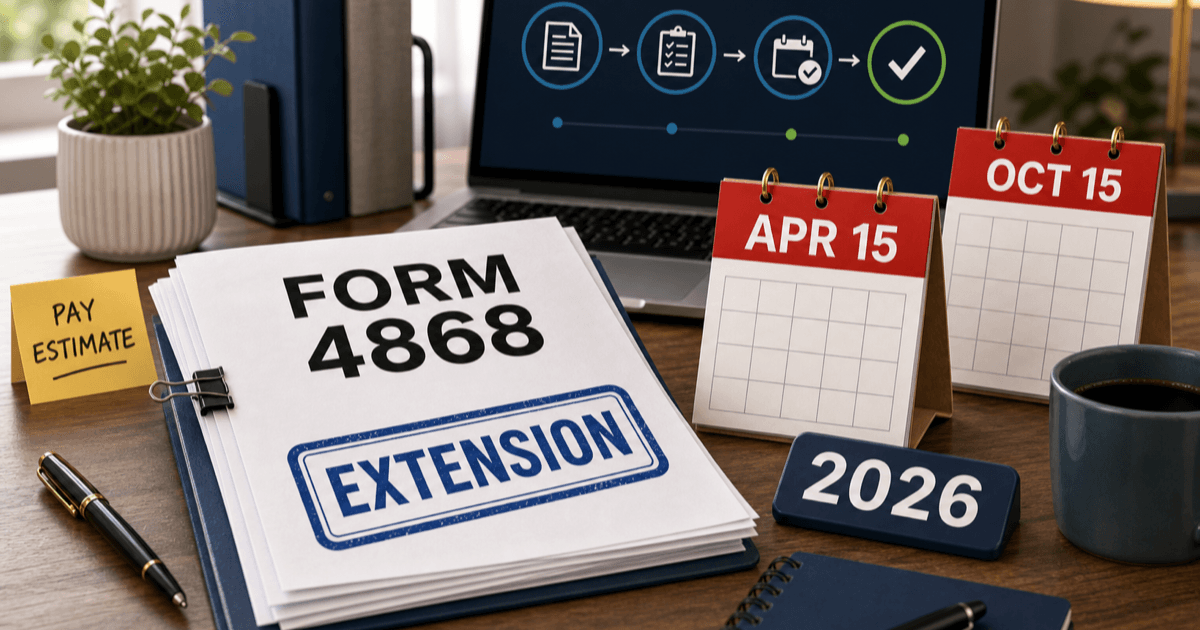
Form 4868 Deadline 2026
Use this for individual tax extension timing, the April 15 Form 4868 request deadline, October 15 extended filing date, payment estimates, online extension methods, and proof of filing.
Read guide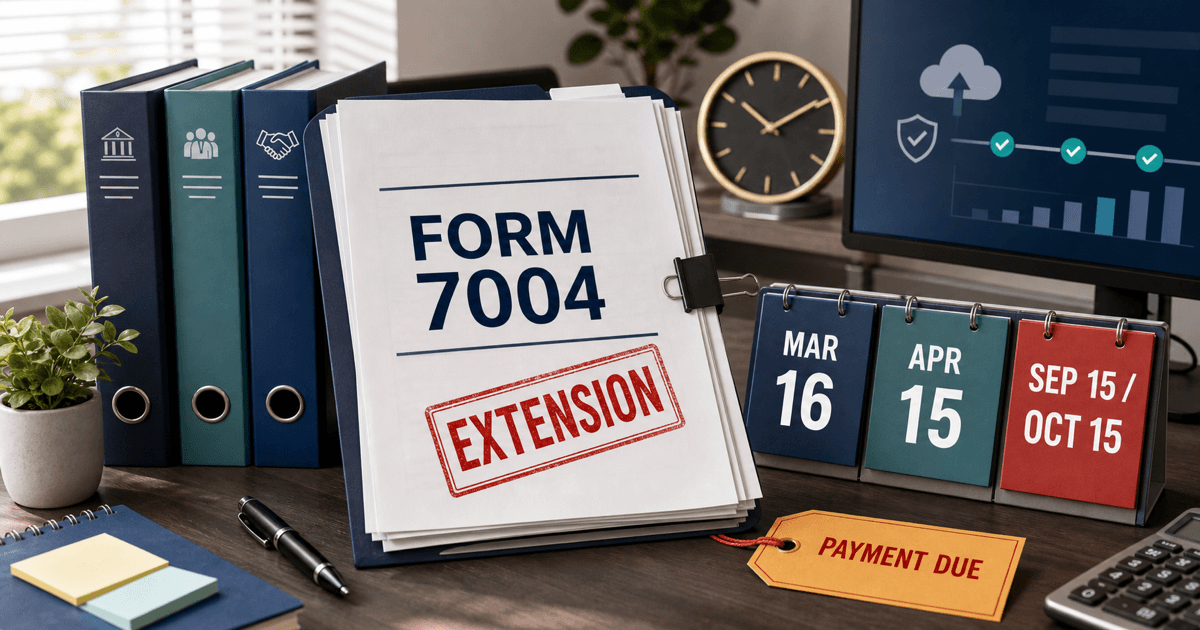
Form 7004 Extension Deadline 2026
Use this for business extension due dates, March 16 and April 15 Form 7004 deadlines, September 15 and October 15 extended filing dates, e-file rules, and no-extension-to-pay cleanup.
Read guide
Form 2553 Deadline 2026
Use this for S corporation election timing, the March 16 calendar-year deadline, 2 months and 15 days rule, shareholder consent, LLC S elections, late-election relief, and Form 1120-S follow-through.
Read guideSources & References
- 1.IRS - Form 1099-K FAQs: General information(Accessed May 2026)
- 2.IRS - Understanding your Form 1099-K(Accessed May 2026)
- 3.IRS - About Form 1099-K, Payment Card and Third Party Network Transactions(Accessed May 2026)