
Creator Income Tax Reserve Calculator
Estimate how much to set aside from creator income for self-employment tax, federal income tax, state/local tax, 1099-K and 1099-NEC reconciliation, and weekly, monthly, or quarterly tax reserve planning.
Last Updated: May 31, 2026
Creator income streams
Enter gross creator receipts before refunds, chargebacks, platform fees, processor fees, and business expenses.
YouTube AdSense, TikTok, podcast ads, newsletter ads, or platform monetization.
Patreon, paid community, Substack, channel memberships, or similar recurring income.
Enter gross sales here and product costs in the expense section.
Subtract refunds and chargebacks from gross creator receipts before expense deductions.
2026 federal TPSO reporting generally looks to more than $20,000.00 and more than 200 transactions.
Use transaction count from the payment app or platform, if available.
Brand deals and client services may arrive on Form 1099-NEC, but income can be taxable even without a form.
Creator deductions and costs
Use current-year deductible amounts. Large equipment, inventory, gifts, travel, meals, and mixed-use costs may need special treatment.
Review W-9 and 1099 workflows when non-card contractor payments approach $2,000.00 or more for 2026.
Use the deductible current-year amount after depreciation, section 179, bonus, or business-use limits.
Tax assumptions
Set the household tax context used to estimate federal brackets, self-employment tax, state/local reserve, payments, and safe-harbor exposure.
W-2, spouse, interest, dividends, retirement, or other taxable income for federal bracket context.
This reduces remaining Social Security wage-base room for self-employment tax.
2026 standard deduction for this status: $16,100.00
Use deductible self-employed retirement contributions for planning.
Uses a simplified 20% section 199A planning estimate, subject to limits.
Use only withholding you expect to cover the creator-income tax bill.
Flat planning rate applied to creator net profit.
Optional safe-harbor input. Leave 0 to use current-year 90% planning.
Adds a cash buffer above the calculated annual reserve target.
Creator Net Profit
$104,100.00
Tax Reserve Target
$29,726.71
Reserve Rate Of Gross
18.81%
Remaining Monthly Reserve
$2,787.78
Creator profit worksheet
- Gross creator receipts
- $158,000.00
- Refunds and chargebacks
- $2,500.00
- Net creator receipts
- $155,500.00
- Creator deductions and costs
- $51,400.00
- Creator net profit
- $104,100.00
- Profit margin
- 66.95%
Tax calculation worksheet
- Net earnings for SE tax
- $96,136.35
- Self-employment tax
- $14,708.86
- Deductible half of SE tax
- $7,354.43
- QBI deduction estimate
- $14,089.11
- Federal income tax on creator profit
- $7,110.42
- State/local tax estimate
- $5,205.00
Weekly reserve
Move about $571.67 per week into a tax reserve account if creator cash flow is steady.
Quarterly reserve
A four-payment reserve rhythm is $7,431.68 per quarter before adjusting for due dates.
Net profit rate
Reserve about 28.56% of modeled creator net profit after deductions.
1099 reconciliation
- Form-reported income entered
- $88,000.00
- Receipts not matched to forms
- $70,000.00
- Possible duplicated form income
- $0.00
- 1099-K threshold readout
- Federal 1099-K threshold likely met
The form reconciliation is for planning. Creator books should still control the tax return when forms are missing, corrected, duplicated, or reported gross before fees.
Reserve and safe-harbor status
- Annual reserve before cushion
- $27,024.28
- Tax payments credited
- $8,000.00
- Reserve still needed
- $16,726.71
- Current-year federal tax with creator profit
- $21,819.28
- Federal safe-harbor target
- $19,637.35
- Federal safe-harbor gap
- $11,637.35
More federal payments may be needed. The safe-harbor calculation is federal only and does not replace the timing rules for quarterly estimated tax payments.
Planning notes
- Some gross creator receipts are not matched to Forms 1099-K or 1099-NEC in the inputs. Missing forms do not make business income non-taxable.
- Form 1099-K can show gross card or platform payments before refunds, chargebacks, and fees. Reconcile it to creator records rather than treating it as net profit.
- Contractor or editor payments are high enough to review Form 1099-NEC/MISC and W-9 workflows, especially when payments were not made by card or a third-party settlement network.
- The QBI deduction is simplified. Creator income can require closer review when SSTB status, taxable income limits, capital gains, W-2 wages, UBIA, or loss carryovers apply.
- State and local tax is modeled as a flat percentage of creator net profit. Residency, source rules, city tax, gross receipts tax, and business registrations can change the final amount.
Transaction count entered: 420. The calculator estimates reserve needs only; it does not prepare Schedule C, Schedule SE, Form 1040-ES, Form 1099-K, or Form 1099-NEC.
Important Disclaimer
This calculator provides an educational estimate for planning and comparison only. It is not tax, legal, financial, medical, lending, insurance, payroll, compliance, or institutional advice and it is not an official determination. Rules, rates, eligibility, formulas, and source data can change or depend on facts not captured here. Verify the result against official sources and qualified professional guidance before filing, paying, diagnosing, borrowing, investing, hiring, or making a compliance-sensitive decision.
Professional Review Status
This YMYL page has internal methodology review, but no external credentialed professional review is recorded yet.
- Reliance status
- Credentialed tax review required before professional reliance
- Required credentials
- CPA, Enrolled Agent, licensed tax professional
- Review scope
- tax formulas, jurisdiction assumptions, withholding language, filing-sensitive examples, and compliance caveats
Current reviewer: Iliyas Khan, Internal tax and sales-tax methodology reviewer.
This page is educational planning support. A named CPA, EA, or licensed tax professional should review the page before it is positioned as tax advice or used for filing decisions.
Tax credentialed review: professional reliance limit
This page is educational planning support. A named CPA, EA, or licensed tax professional should review the page before it is positioned as tax advice or used for filing decisions. Results should be treated as a preliminary estimate, not a filing instruction, diagnosis, product recommendation, eligibility decision, or compliance sign-off. Required professional review: CPA, Enrolled Agent, licensed tax professional. Source expectation: Review should cite current IRS, state revenue department, payroll-tax, or official tax authority sources where applicable.
Checked by Iliyas Khan
Creator Income Tax Reserve Calculator is checked for formula labels, source links, and result limits.
Iliyas Khan, Chief Operating Officer. Updated May 31, 2026. Scope: tax calculators.
Tax credentialed review: Named internal reviewer: Iliyas Khan, Chief Operating Officer. External credentialed professional review is still required before this page is treated as professional advice.
Internal tax and sales-tax methodology reviewer. Review scope: calculator assumptions, labels, source context, workflow clarity, and compliance-sensitive disclaimers.
Relevant review context: CalculatorWallah tax and sales-tax calculator workflow owner; Source-first review of IRS, state revenue, rate, and filing-sensitive references; Compliance-sensitive labels, assumptions, and user-facing disclaimer review.
Required professional credentials: CPA, Enrolled Agent, licensed tax professional. Scope: tax formulas, jurisdiction assumptions, withholding language, filing-sensitive examples, and compliance caveats.
This page is educational planning support. A named CPA, EA, or licensed tax professional should review the page before it is positioned as tax advice or used for filing decisions.
How To Use The Creator Income Tax Reserve Calculator
Step 1: Enter gross creator income
Add platform ad revenue, sponsorships, affiliate revenue, memberships, tips, digital products, merch, and other creator receipts before fees and expenses.
Step 2: Reconcile tax forms
Enter Forms 1099-K and 1099-NEC separately so the calculator can compare form-reported amounts with gross creator receipts.
Step 3: Add creator deductions
Enter platform fees, contractors, software, gear, home studio, travel, marketing, merch cost of goods sold, and other deductible creator costs.
Step 4: Set tax assumptions
Choose filing status, deduction method, other income, W-2 Social Security wages, QBI setting, payments, state rate, cushion, and months left to save.
Step 5: Review reserve targets
Use the net profit, SE tax, federal income-tax impact, reserve rate, quarterly/monthly/weekly targets, and safe-harbor gap to plan cash movement.
How This Calculator Works
The calculator starts with creator receipts by stream: platform monetization, sponsorships, affiliate revenue, memberships, tips, digital products, merch, and other income. It subtracts refunds and chargebacks, then subtracts creator expenses to estimate net profit for planning.
Net creator profit feeds the tax model. The calculator estimates self-employment tax, deductible half of SE tax, federal taxable income after the selected deduction method, optional QBI, federal credits, state/local tax, and tax payments already made.
The reserve target combines the estimated federal tax on creator profit, self-employment tax, and state/local tax, then adds the cushion you choose. It also compares entered Forms 1099-K and 1099-NEC with gross receipts to flag missing-form and duplicate-reporting issues.
Creator Income Tax Reserve Guide: 1099-K, 1099-NEC, Schedule C, Self-Employment Tax, And Quarterly Savings
Creator tax planning starts with gross receipts, not app payouts
Creators often see three different numbers for the same year: the platform dashboard payout, the bank deposits, and the information returns. None of those is automatically net profit. A platform may withhold fees before deposit, Form 1099-K may report gross transactions, a sponsor may issue Form 1099-NEC, and a membership platform may bundle refunds, tips, and subscriptions into one export.
The strongest workflow is to build a creator gross-receipts total first, then reconcile it to forms. Enter every creator stream into the income fields. Use the 1099 fields to check whether forms are missing, duplicated, or reported gross before fees. That structure helps prevent two common errors: paying tax on the same income twice, or ignoring income because a form never arrived.
1099-K and 1099-NEC are reporting forms, not taxability tests
IRS Form 1099-K guidance says payment apps and online marketplaces generally report third-party network transactions when payments for goods or services exceed $20,000 and more than 200 transactions. Payment-card transactions can be reportable at all amounts. Platforms may also send a form below the federal threshold. For creators, this matters because payment apps, merch platforms, ticketing apps, and marketplaces can report gross payments that still need refund, fee, and business-purpose cleanup.
Publication 1099 for 2026 also matters for sponsor, client, and contractor workflows. Creator income can appear on Form 1099-NEC, while creator payments to editors, designers, virtual assistants, photographers, and other vendors can create your own information-return review. Do not use a reporting threshold as a rule for whether the underlying income or expense belongs in the books.
What the reserve should cover
| Reserve layer | Creator example | Calculator treatment |
|---|---|---|
| Self-employment tax | YouTube profit, sponsor profit, affiliate profit, paid community income. | Uses a Schedule SE-style model with the 92.35% net earnings factor, Social Security, Medicare, and Additional Medicare thresholds. |
| Federal income tax | Creator profit pushes taxable income above the standard deduction or into a higher bracket. | Compares federal income tax with and without creator profit after deductions, credits, SE tax adjustment, and optional QBI. |
| State and local tax | State income tax, city income tax, local business tax, or gross receipts tax. | Applies your planning rate to creator net profit and subtracts state/local payments entered. |
| Cash cushion | Late 1099 corrections, refund spikes, state differences, or undercounted fees. | Adds your selected cushion to the reserve before showing weekly, monthly, and quarterly savings targets. |
Creator deductions need clean business-purpose records
The calculator includes common creator categories, but deductible treatment depends on facts. Cameras, lights, microphones, computers, furniture, and studio buildouts may be expensed or depreciated depending on cost, business use, and current rules. Travel, events, gifts, giveaways, meals, wardrobe, home studio costs, samples, and mixed-use subscriptions need records that show business purpose and personal-use allocation.
For merch and products, separate gross sales from cost of goods sold. Do not treat the purchase of inventory exactly like a software subscription unless the tax treatment supports it. If the creator business carries inventory, uses fulfillment centers, or sells bundles of digital and physical products, the broader Schedule C Profit and Tax Reserve Calculator can provide a more detailed COGS workflow.
Reserve target versus payment timing
A tax reserve is money kept aside. An estimated tax payment is money sent to the IRS or a state. Publication 505 explains estimated tax as part of the pay-as-you-go system and says it can cover income tax, self-employment tax, and other taxes. Creators with uneven launch cycles, seasonal sponsor campaigns, or one-time viral months should revisit the estimate after major income changes instead of relying on one annual percentage.
Pair this tool with the Quarterly Tax Payment Calculator for Freelancers when you are ready to plan payment amounts and timing. Use the 1099-K Threshold Checker for platform reporting questions and the 1099-NEC/MISC Reporting Threshold Checker when paying creators, editors, assistants, and other vendors.
Records to keep before filing
Keep platform annual reports, monthly payout reports, Form 1099-K, Form 1099-NEC, sponsor contracts, affiliate dashboards, membership exports, refund reports, chargeback reports, payment processor fee reports, invoices, bank deposits, product sales reports, inventory and COGS records, contractor W-9s, travel logs, home office records, depreciation schedules, and estimated tax confirmations. Good reserve planning becomes much easier when the creator profit number is built from records instead of memory.
Keep the research moving with Schedule C Profit and Tax Reserve Calculator, Self-Employment Tax Calculator, Quarterly Tax Payment Calculator for Freelancers, and 1099-K Threshold Checker.
Frequently Asked Questions
Related Calculators
Schedule C Profit and Tax Reserve Calculator
Use the broader Schedule C reserve workflow when inventory, COGS, and general business deductions need more detail.
Use Schedule C Profit and Tax Reserve CalculatorSelf-Employment Tax Calculator
Estimate Schedule SE self-employment tax, Social Security, Medicare, and deductible half of SE tax.
Use Self-Employment Tax CalculatorQuarterly Tax Payment Calculator for Freelancers
Convert profit, withholding, payments, and safe-harbor targets into quarterly tax payment planning.
Use Quarterly Tax Payment Calculator for Freelancers1099-K Threshold Checker
Check payment-app, card, marketplace, platform, and transaction-count reporting exposure.
Use 1099-K Threshold CheckerRelated Guides

Form 1040 Deadline 2026
Use this for the April 15 Form 1040 filing and payment deadline, October 15 extension date, late-filing cleanup, and 1040-specific checklist.
Read guide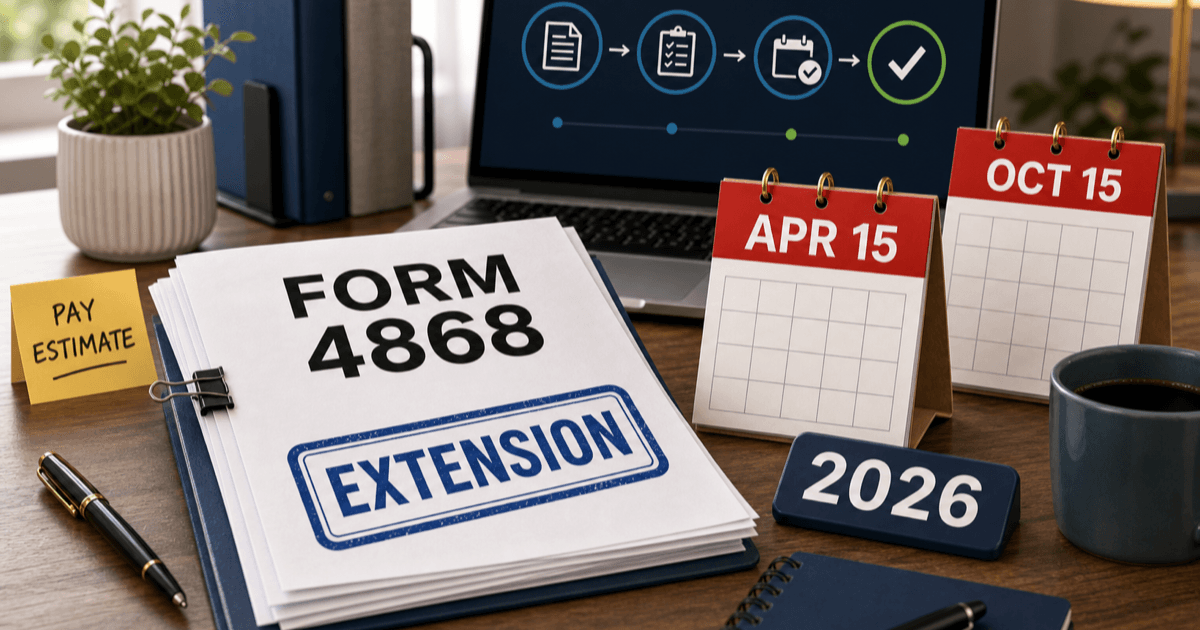
Form 4868 Deadline 2026
Use this for individual tax extension timing, the April 15 Form 4868 request deadline, October 15 extended filing date, payment estimates, online extension methods, and proof of filing.
Read guide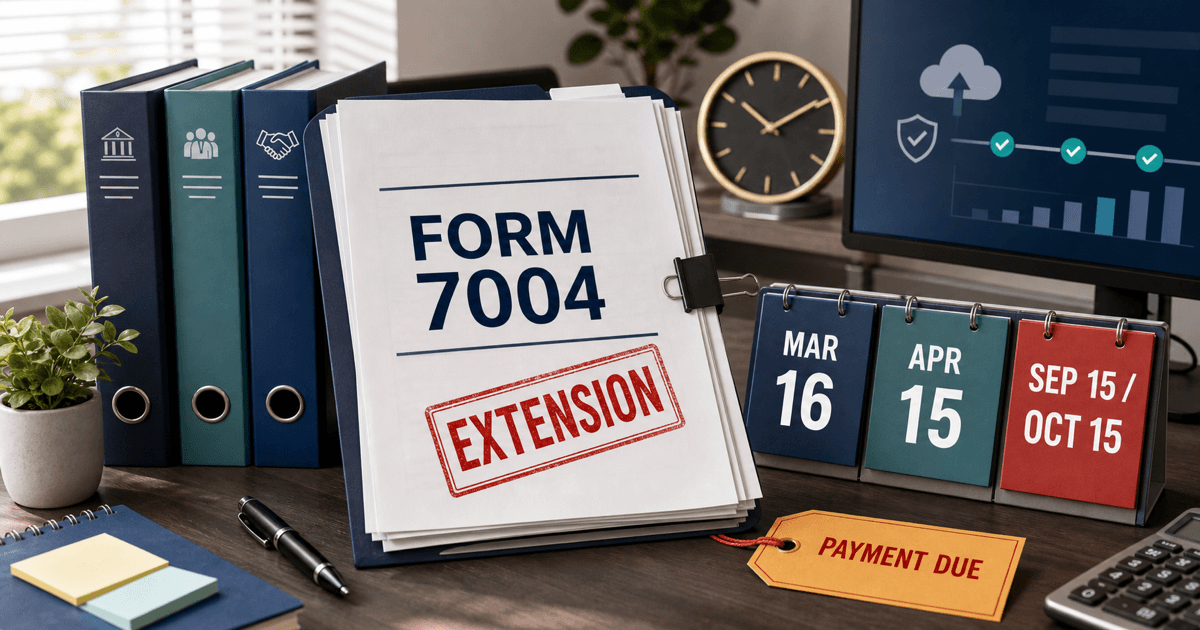
Form 7004 Extension Deadline 2026
Use this for business extension due dates, March 16 and April 15 Form 7004 deadlines, September 15 and October 15 extended filing dates, e-file rules, and no-extension-to-pay cleanup.
Read guide
Form 2553 Deadline 2026
Use this for S corporation election timing, the March 16 calendar-year deadline, 2 months and 15 days rule, shareholder consent, LLC S elections, late-election relief, and Form 1120-S follow-through.
Read guideSources & References
- 1.IRS - Instructions for Schedule C (Form 1040)(Accessed May 2026)
- 2.IRS - Self-employment tax, Social Security and Medicare taxes(Accessed May 2026)
- 3.IRS Publication 505 - Tax Withholding and Estimated Tax(Accessed May 2026)
- 4.IRS - Understanding your Form 1099-K(Accessed May 2026)
- 5.IRS Publication 1099 (2026), General Instructions for Certain Information Returns(Accessed May 2026)
- 6.IRS - 2026 tax inflation adjustments(Accessed May 2026)
- 7.SSA - Contribution and Benefit Base(Accessed May 2026)